USA & Canada: +1-800-752-1017
International : +1 828-210-4754
Two Hockey Towns. One Winning Partner 📣 Explore now

End-to-End Card Marketing Solutions

PLI delivers more than cards.
From design and manufacturing to packaging, displays, and fulfillment, we provide end-to-end solutions that bring your programs to life.


Strategy


Design

Manufacturing

Packaging

Fulfillment
Everything You Need. One Partner.
Design
Creative concepts and design services
Manufacturing
High-quality card production
Packaging
Innovative packaging solution
Fulfillment
Fulfillment and distribution

Fraud Protection
Secure fraud prevention solutions

Direct Mail
Targeted direct mail campaigns
Capabilities

Card Printing & Attributes
Explore our advanced card printing solutions and discover how our expertise in crafting cards with an array of material options, special treatments and unique enhancements can elevate your brand's image.
Packaging
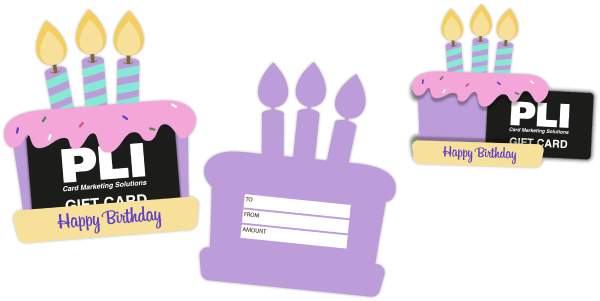
Creating one-of-a-kind memorable gifting experiences through a range of custom gift card packaging styles for every occasion, designed to fit your audience and drive incremental revenue.
Displays
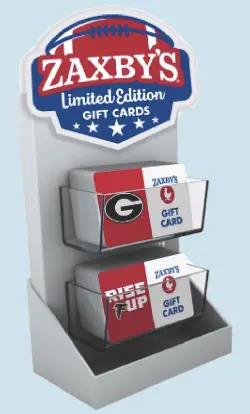
Stand out and drive gift card sales with our assortment of captivating displays that blend creativity with functionality, boosting efficiency by turning brand engagement into tangible revenue.
Fulfillment
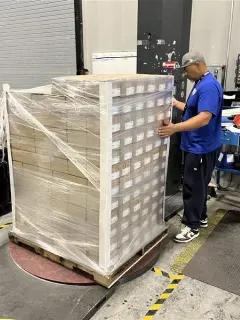
Discover how our fulfillment services can effortlessly streamline the process, whether that’s for B2B or B2C fulfillment, 1:1 replenishment, or with our efficient Pick, Pack & Ship portal.
Why Choose PLI? The PLI Advantage
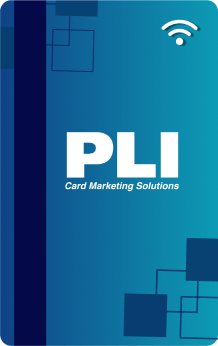

#1 largest closed loop Gift, Loyalty and Hospitality card manufacturer in North America

Unmatched quality and innovative products

Plethora of customizable solutions to fit your needs

Expanded capacity with our Centers of Manufacturing Excellence

Competitive and fair prices

Aggressive delivery times to meet your deadlines

Superior and personalized customer support

Flexible and responsive operational platform

A family-like environment with a shared commitment to success
#1 largest closed loop Gift, Loyalty and Hospitality card manufacturer in North America
Unmatched quality and innovative products
Plethora of customizable solutions to fit your needs
Expanded capacity with our Centers of Manufacturing Excellence
Competitive and fair prices
Aggressive delivery times to meet your deadlines
Superior and personalized customer support
Flexible and responsive operational platform
A family-like environment with a shared commitment to success
Achievements So Far
We are committed to making our customers’ lives easier with excellence in design, card
production, packaging, displays, and fulfillment.
countries served
years of innovation and creation, producing 1.8 Billion cards annually
distribution points in the United States, Canada, and Europe
state-of-the-art manufacturing facilities
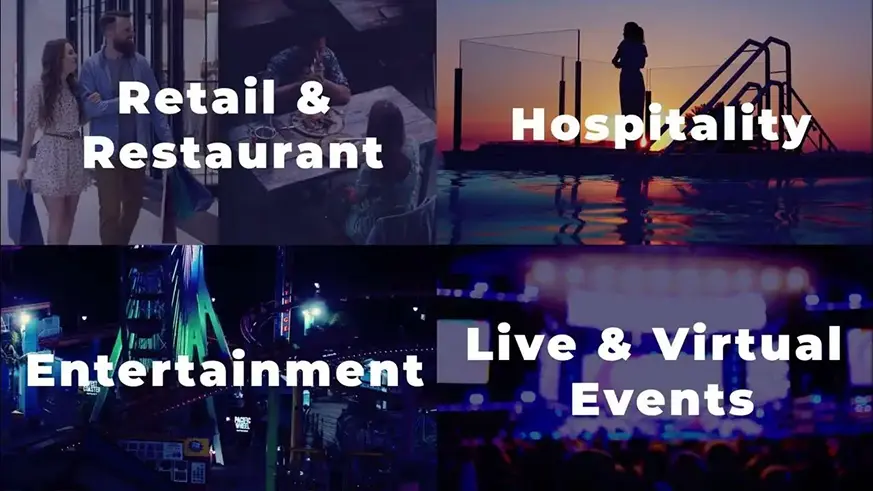
With PLI, Excellence Meets Quality and Innovation in Card Marketing Solutions for Memorable Brands
PLI is trusted by top brands for exceptional performance in turnkey card production, full-service design services, creative and effective packaging and display products, fulfillment, consultative marketing support and superior client services.
Gift & Loyalty
Our commitment to delivering unparalleled quality, unique products, dedicated service, and swift turnaround times sets us apart as your trusted partner. Our vast industry knowledge on the latest trends and expertise with top industry brands lends itself to excelling in providing innovative Gift & Loyalty cards as well as complementary innovative packaging and displays to drive incremental business.
Discover More
Hospitality
We're not just any key card manufacturer; we're the world's largest. Our extensive tenure and expertise in this industry has lend itself to top global hotel brands entrusting us to provide compatible key cards and supporting branded products to their guests for a seamless experience. Whether it's crafting key cards with cutting-edge RFID and Magstripe technologies or curating branded promotional products that captivate guests and elevate your brand, we're your unwavering partner. Our passion for exceptional customer service and a relentless commitment to maintaining impeccable brand standards sets us apart. With our array of In-Stock Solutions and an innate capacity to handle extensive projects, we are the catalyst that propels your hospitality business to unparalleled heights.
Discover More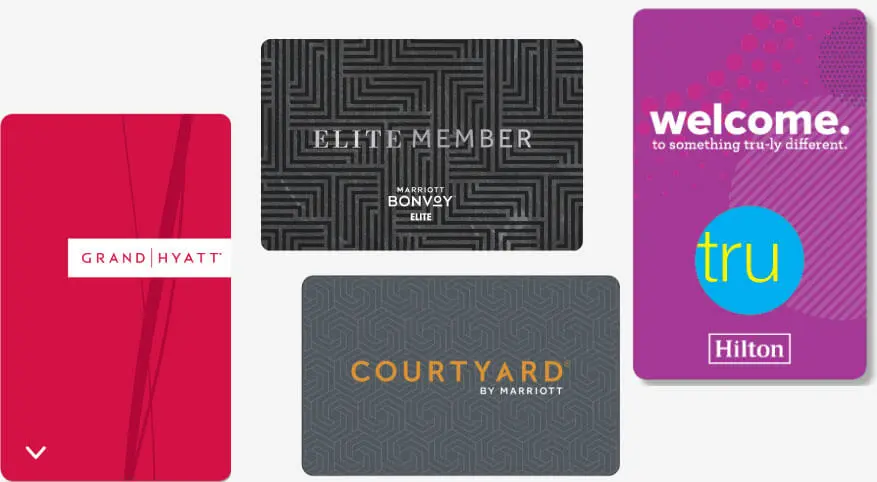
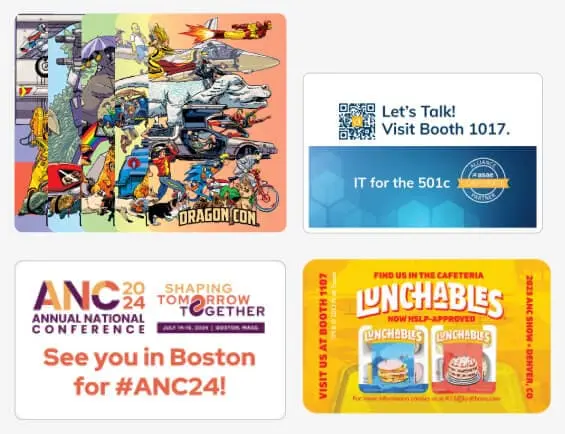
Events
Casino
PLI offers winning solutions for unforgettable guest experiences. With our extensive expertise in the casino world, you can bet on custom-designed RFID and magstripe cards that meet compatibility and gaming compliance standards whether that’s for key cards, player cards or loyalty cards. In addition, elevate your guests' experience with our diverse branding products as your one-stop shop. Our offerings extend far beyond cards, as we collaborate with you to enhance your casino program and deliver high roller outcomes through our expertise in design, card production, packaging, displays, and fulfillment. Raise the stakes with PLI, your winning hand in the casino industry.
Discover More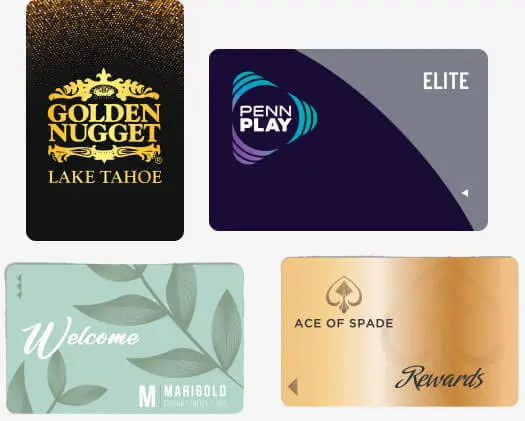
Cruise & Charters
With unparalleled industry expertise, reliable key cards, creative branding products and a superior customer service team, we elevate every aspect of your cruise. Our product range includes Key Cards, Sea Passes, and a variety of accompanying branding tools to cater to your guests’ experience. Partner with us for dedicated support and a personalized experience as we work together to create high tide results. Set sail with PLI to embark on a voyage of excellence in the cruise and charter industry.
Discover More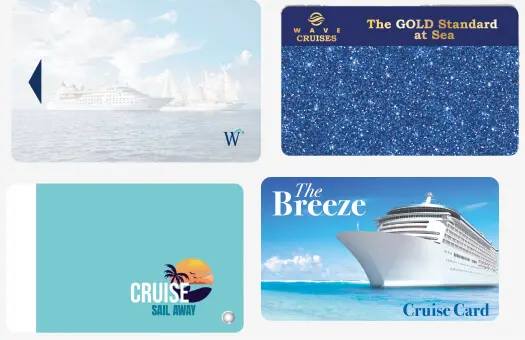
Entertainment
We boast over 15 years of industry experience, which enables us to understand the unique card needs of theme parks, attractions, fun centers and arcades. Whether you need Fun Cards, Play Cards, Pusher Cards or Season Passes, we're here to customize and develop your card products with the right technology required to ensure a smooth and fun journey for your guests as they explore your venue.
Discover More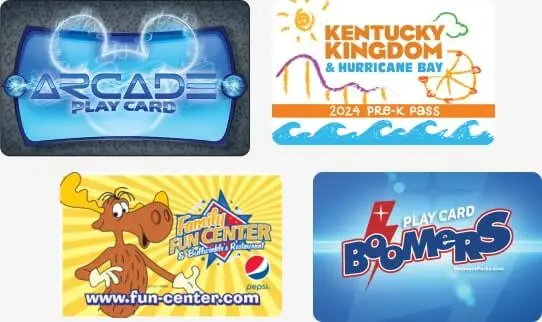
Transit and Access Control
At PLI, we're your gateway to providing a world of secure and streamlined access for your users. Our comprehensive range of solutions spans from campus cards to metro cards and office access IDs. We specialize in enhancing control, security and convenience, ensuring you have the right tools to manage transit and access seamlessly. Explore the versatility of our design options, including barcode, magstripe, and RFID technologies, designed to easily integrate with your systems.
Discover More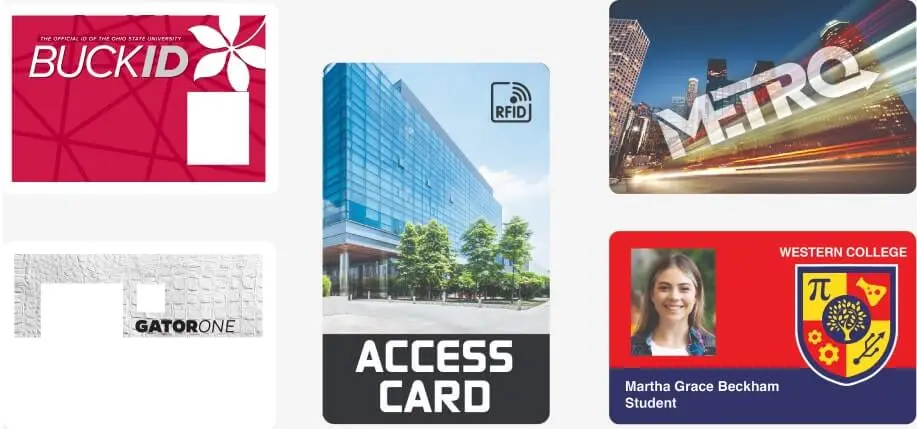
1 Gift & Loyalty
2 Hospitality
3 Events
4 Casino
5 Cruise & Charters
6 Entertainment
7 Transit & Access Control

Stay Connected with PLI
Be in the know with our latest product news, trends, webinars and more.
Blog
Stay in the know with PLI's Blog – Your source for company news, industry insights and trends, best practices, tips and expert perspectives.
Contact PLI for Marketing Solutions Customized to your Needs.
PLI excels at translating real client needs and ideas and transforming them into unique and relevant finished cards and products to provide the right card marketing solutions, end-to-end.
Let’s Connect
Headquarters Location
1030 E. Craig Road N. Las Vegas, NV 89030Get DirectionsUSA & Canada: 1-800-752-1017
International: +1 828-210-4754


Quick Links


Copyright © and ™ Plasticard-Locktech International. All Rights Reserved.